okAI-helper
v0.3.0 · now with MCP
Your own AI, on your Mac.
Run language models locally, use them from every program you write or use, and keep every word on your machine.
Apple silicon and Intel · macOS 14+ · signed and notarized · free for non-commercial use
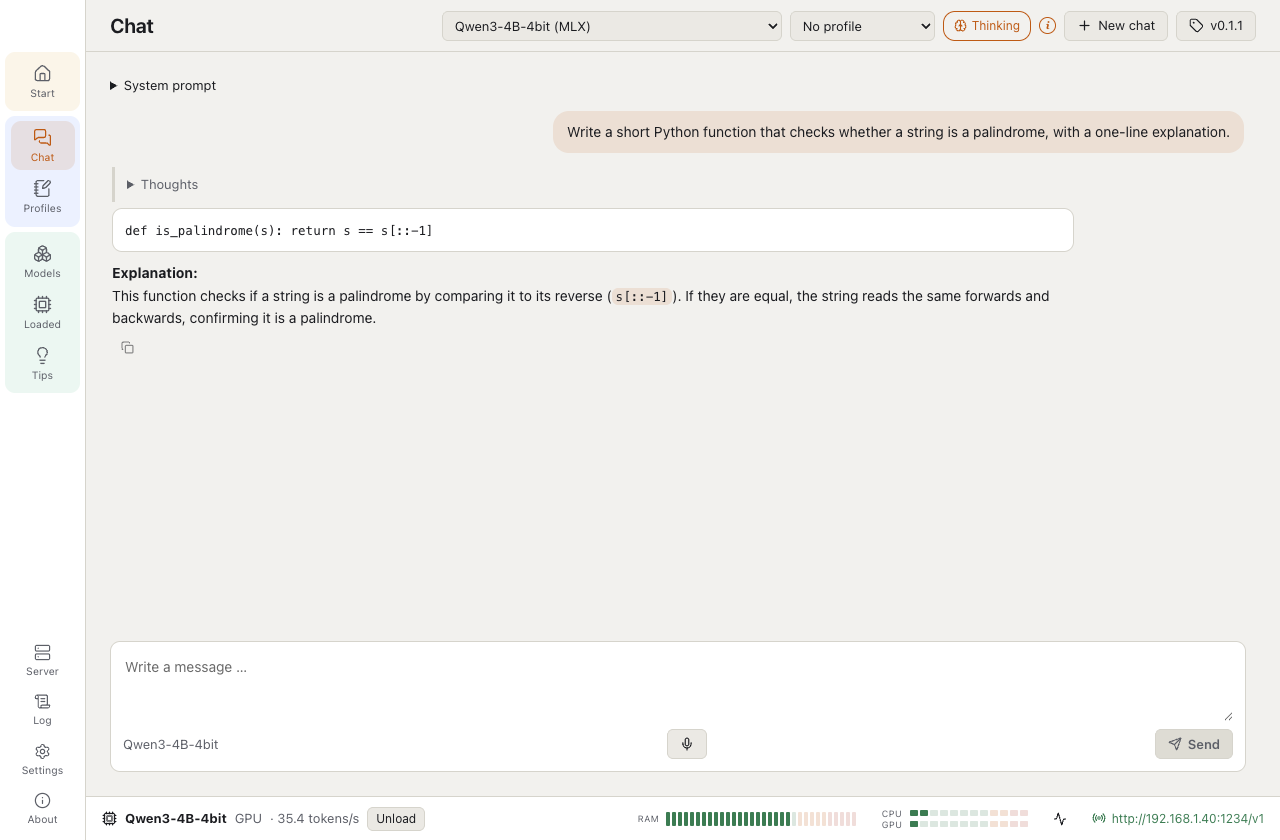
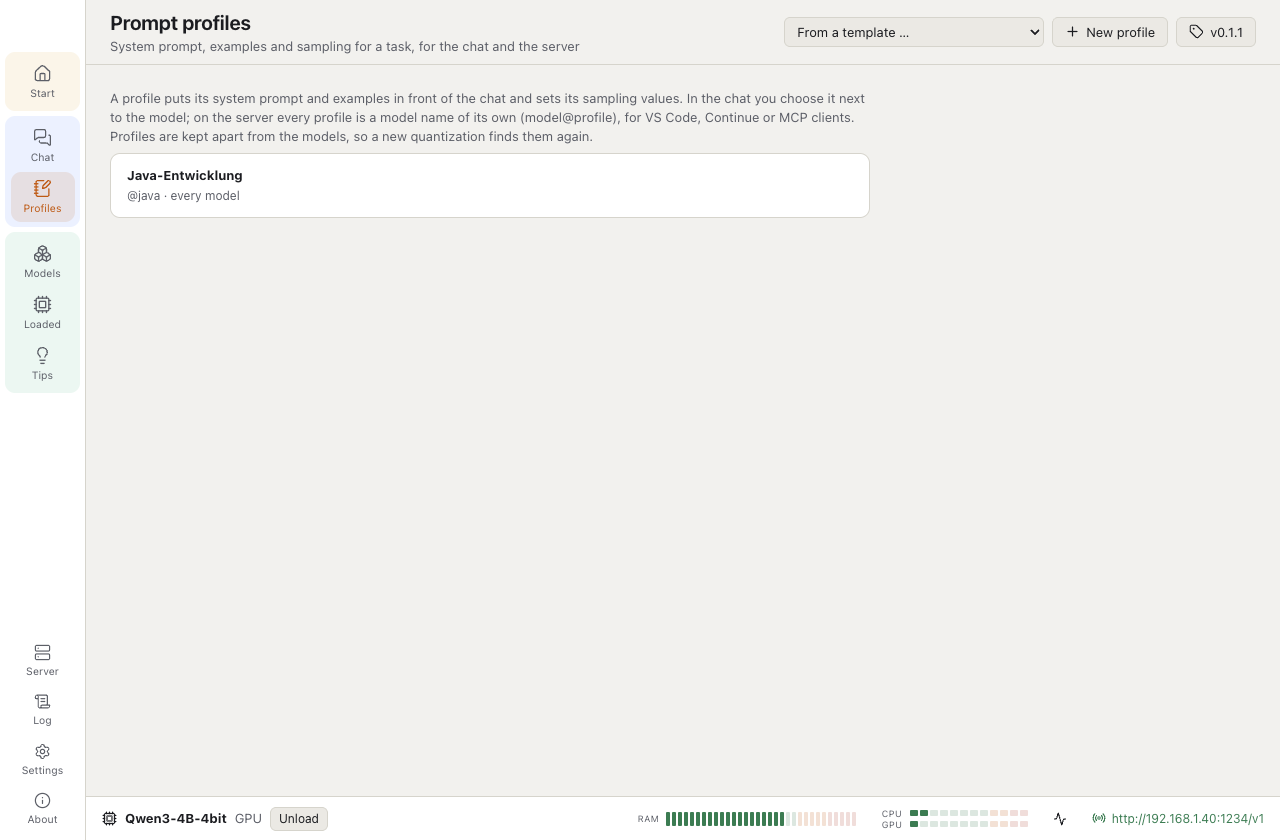
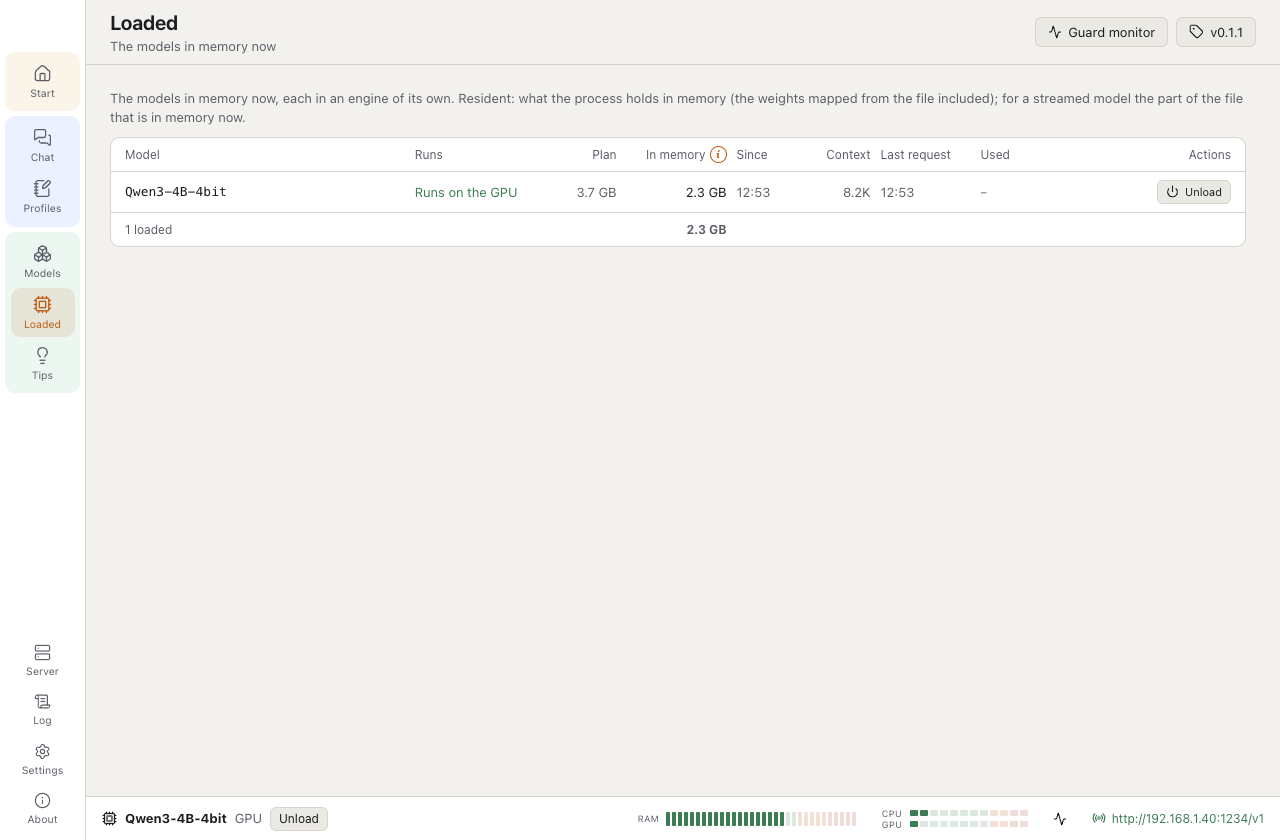
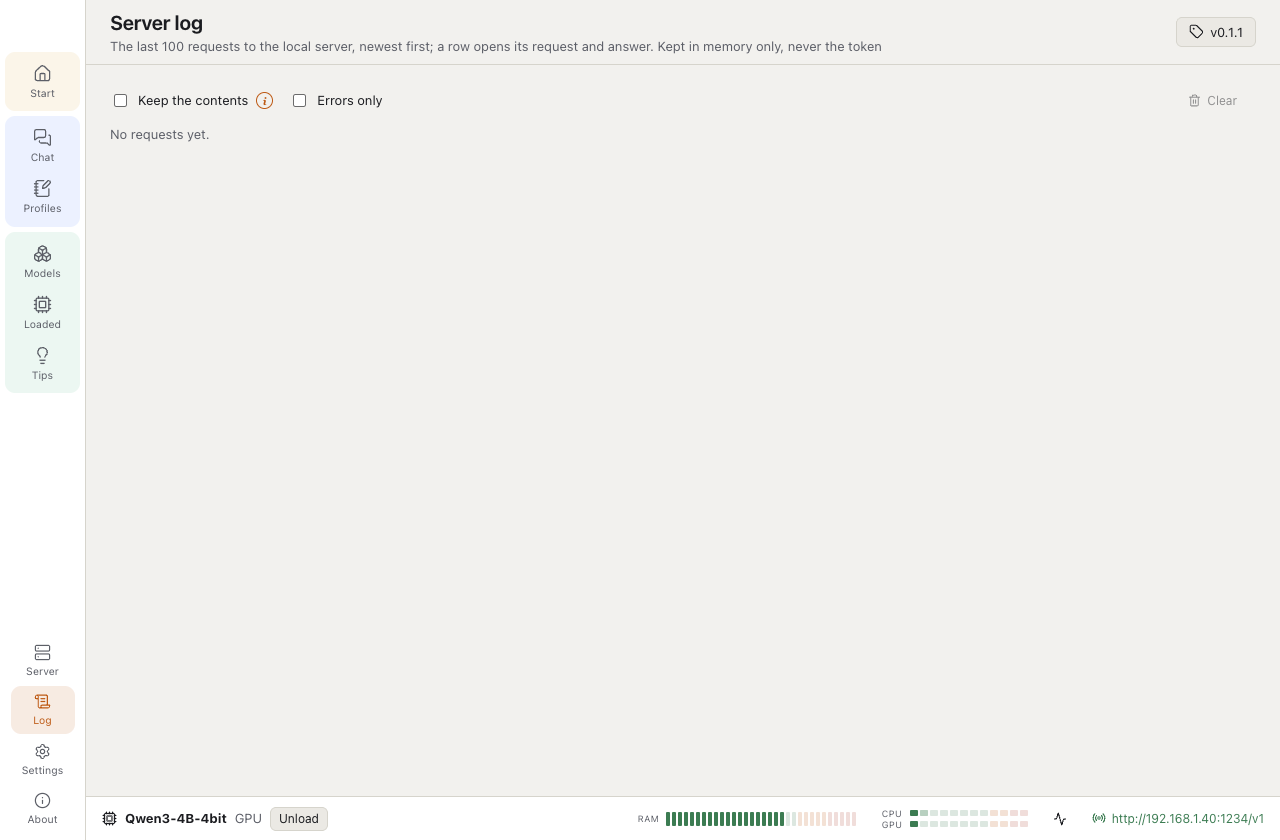
Everything in one window.
Chat, models, server and guard monitor, for Macs with Apple silicon or Intel.

Built for local AI.
What the app does for you, in one sentence each.

Chat
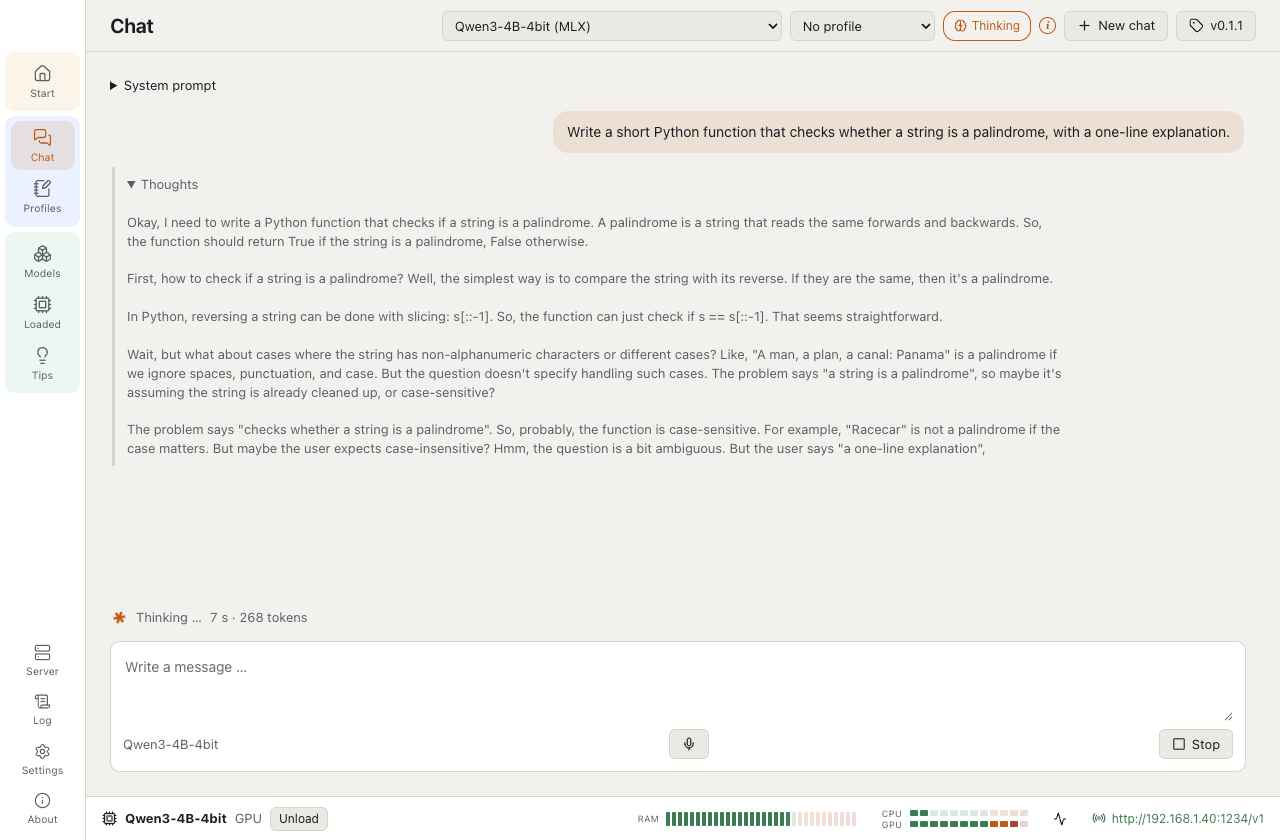
Answers stream in as Markdown, with the model’s thinking folded away and voice input.

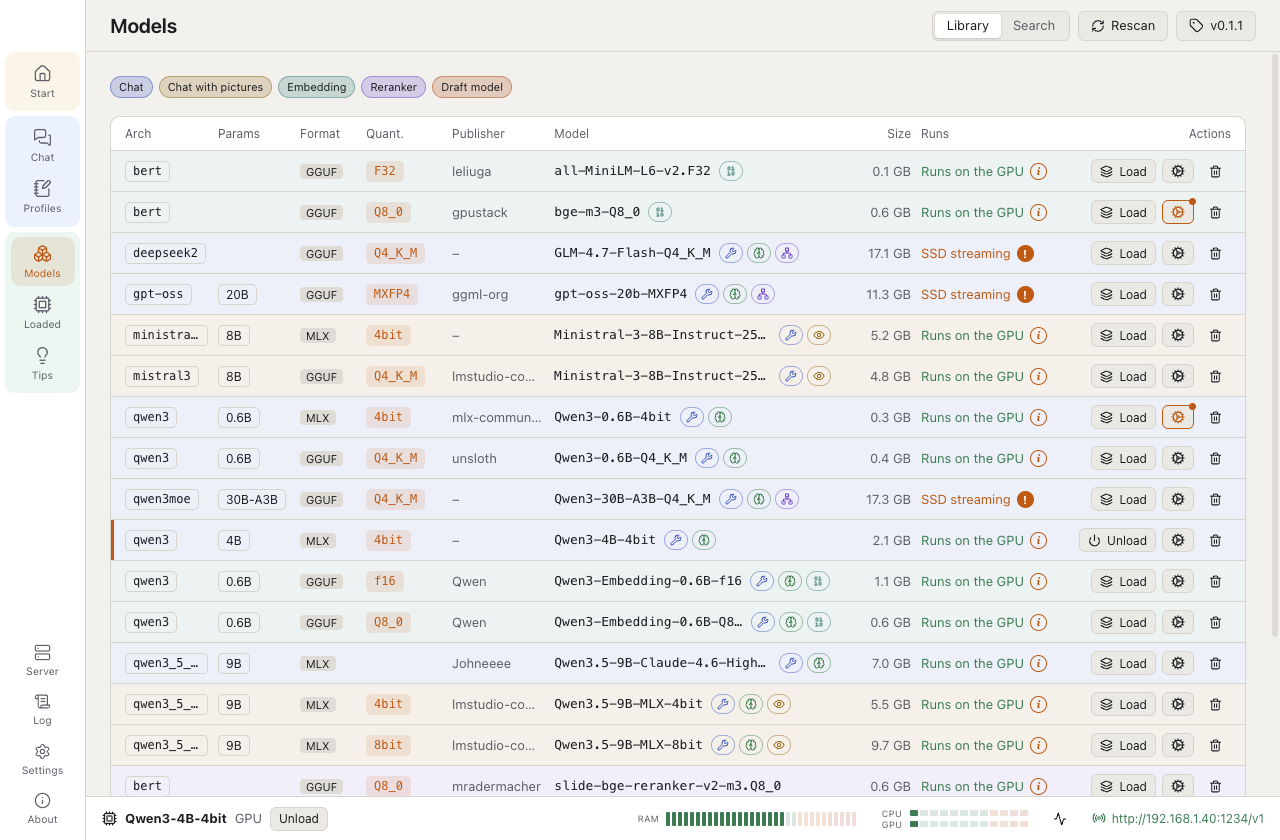
Any model folder
GGUF and MLX from your SSD or an external drive; an LM Studio folder just works.

Knows what fits
Plans memory before it loads, so a model never freezes your Mac.

Bigger than memory
Mixture-of-experts models stream from the SSD: a 17 GiB model on a 16 GB Mac.

Guard monitor
Live CPU, GPU, memory and tokens per second for every model.

Explains itself
Every setting explained, with sources, in five languages.
Plug it into your stack.
One local endpoint for your scripts, bots, editors and agents.
OpenAI-compatible API
Chat, embeddings and transcription at /v1. Point any OpenAI client at your Mac.
MCP server
Claude Code, VS Code, Cursor and others use your models as tools at /mcp.
Locked down
A token for every request, only the devices you allow, no requests from web pages.
Nothing leaves your Mac.
Three locks, each with its own switch.
Engines
The kernel blocks every connection of the engines, even name lookups.
The app
Online only to download models and its engines, if you allow it.
Your programs
The server stays on this Mac until you open it to your network.
Running in three steps.
- 01
Install
Drag okAI-helper to Applications.
- 02
Engines
Start → Engines: one click.
- 03
Model
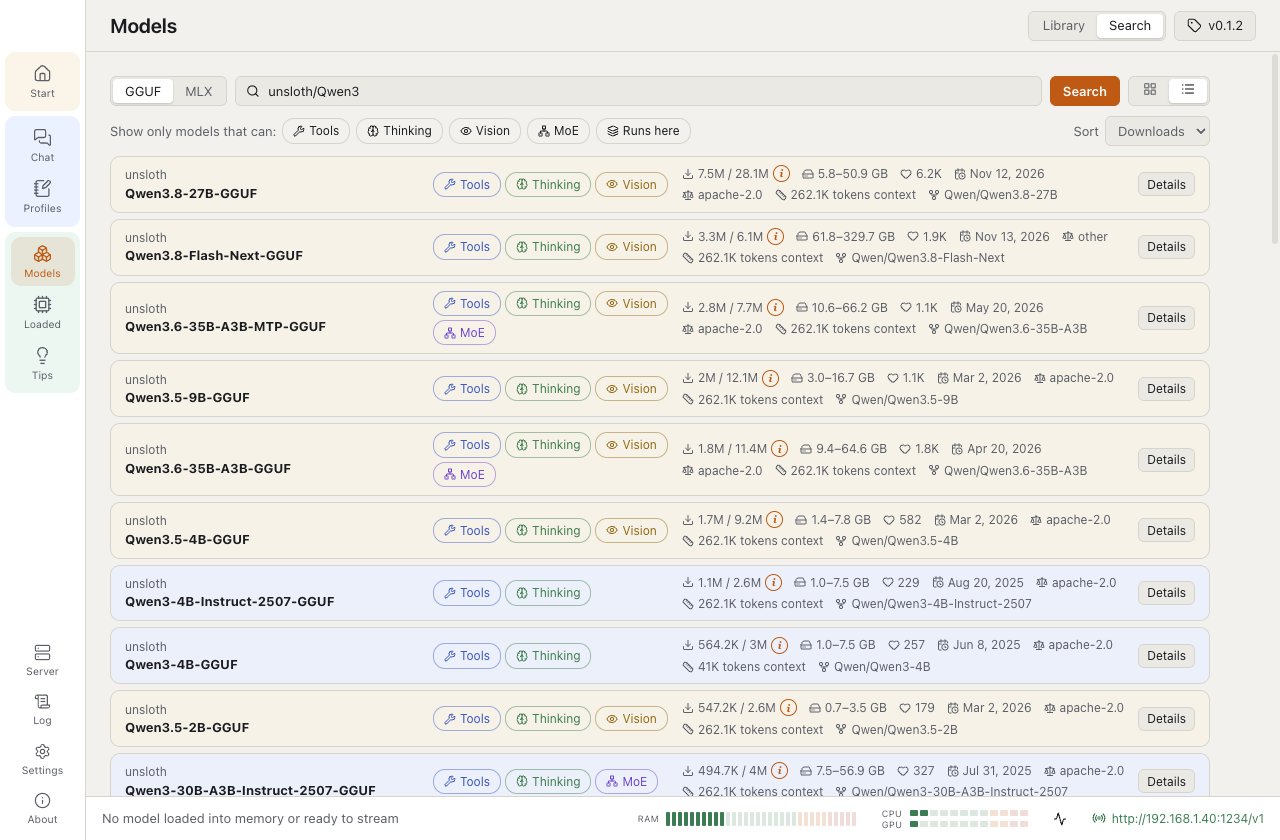
Models → Search, download, chat.
A look inside.
Click a picture to enlarge it.